
Transitioning from a Windows PC to a Mac doesn't have to be complex and time-consuming. Apple's Windows Migration Assistant is designed to simplify the switch by streamlining the data transfer process. In this step-by-step guide, we'll explore how to use Windows Migration Assistant to transfer your important files, applications, and settings to your new Mac.
Simplifying the switch: How to use Windows Migration Assistant to transfer data from PC to Mac

Speed up your PC: A guide to Disk Cleanup
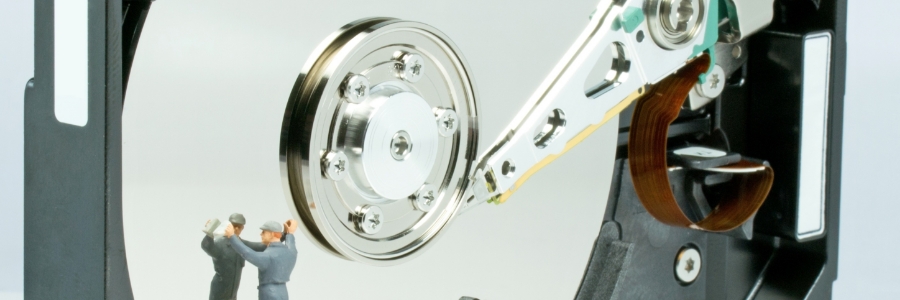
Having PCs with limited storage space can quickly become a performance bottleneck, hindering productivity and efficiency. Fortunately, Windows offers a powerful tool at your disposal: Disk Cleanup.
What is Disk Cleanup?
The Disk Cleanup program is like a digital janitor for your computer, specifically designed to help you reclaim storage space by getting rid of temporary and unneeded files.
How to fix Windows 10/11 printing problems

Printing issues can be exceptionally exasperating. Just as you urgently have to print a hard copy of a document, some problem arises. This frustration is amplified when the issue is not the printer, but your computer. Even the typically dependable Windows 10 and 11 have been known to suffer printing problems.
Navigating Windows 11: Ways to optimize for faster operations
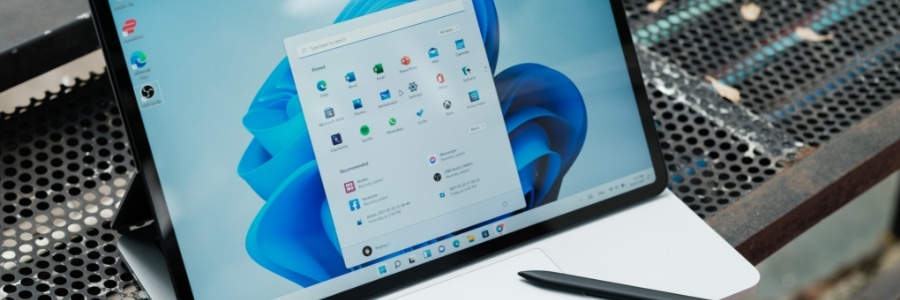
Whether you're running a small business or managing a large enterprise, the efficiency of your operations can often hinge on the performance of your computer systems. If you've recently upgraded to Windows 11, you might be in search of ways to optimize your system for smoother, faster performance.
Work smarter, not harder: Essential keyboard shortcuts for Windows 11

Cut down on time spent navigating menus and opening programs with the help of these useful Windows 11 keyboard shortcuts. Learn how to quickly switch between windows, open new tabs, and access the Start Menu, all with just a few keystrokes.
General Windows 11 shortcuts
These shortcuts enable you to perform common functions, including copying and pasting text, switching between windows, and more.
Exploring Exchange Online: Why small businesses should choose Microsoft’s cloud solution
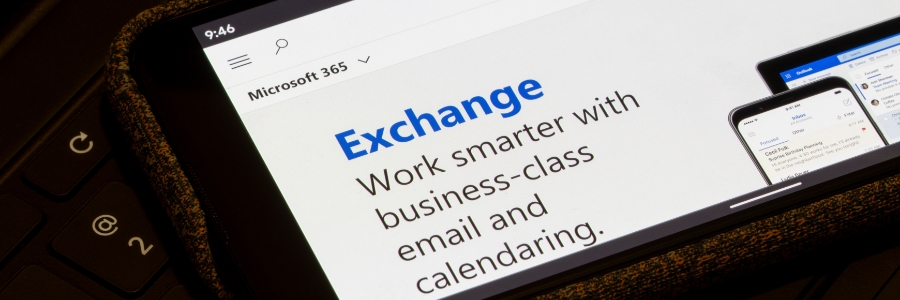
For years, Microsoft Exchange Server has been the go-to choice for businesses looking to manage their emails, contacts, and calendars efficiently. However, small businesses often saw the complex setup and maintenance of an on-premises server as too daunting and costly.
Ways to breathe new life into your outdated computer
If you're like most people, you probably think it's time to buy a new computer when it starts to slow down or crash all the time, and when it’s just generally not meeting your needs. But before you go shopping for a new computer, consider all of the ways that your old one could still be useful.
How to use Disk Cleanup to speed up your Windows PC
Do you feel like your Windows PC has been slowing down lately? If yes, it might be due to unnecessary files that have been accumulating on your computer. Thankfully, there’s an easy solution: Disk Cleanup. Read on to learn how you can use Disk Cleanup to speed up your PC.
What is the Disk Cleanup tool?
Disk Cleanup is a program designed to help users free up storage space on their computer by deleting temporary and any unneeded files that are taking up valuable disk space.
Top Microsoft Edge features you’re probably not using
Microsoft Edge has numerous features that are perfect for business users. And with recent updates, Edge gives users even more reason to make it their default browser. Here’s a closer look at some of the best features of Microsoft’s powerful browser and how you can make the most out of them.
Removing ads in Windows 11: A step-by-step guide
If you’re using Windows 11, you might have seen ads and notifications pop up in unusual places such as File Explorer or the Start menu. This can be both distracting and annoying, and it can even hinder your productivity. Fortunately, there are several ways to get rid of these ads.